analytics Guide

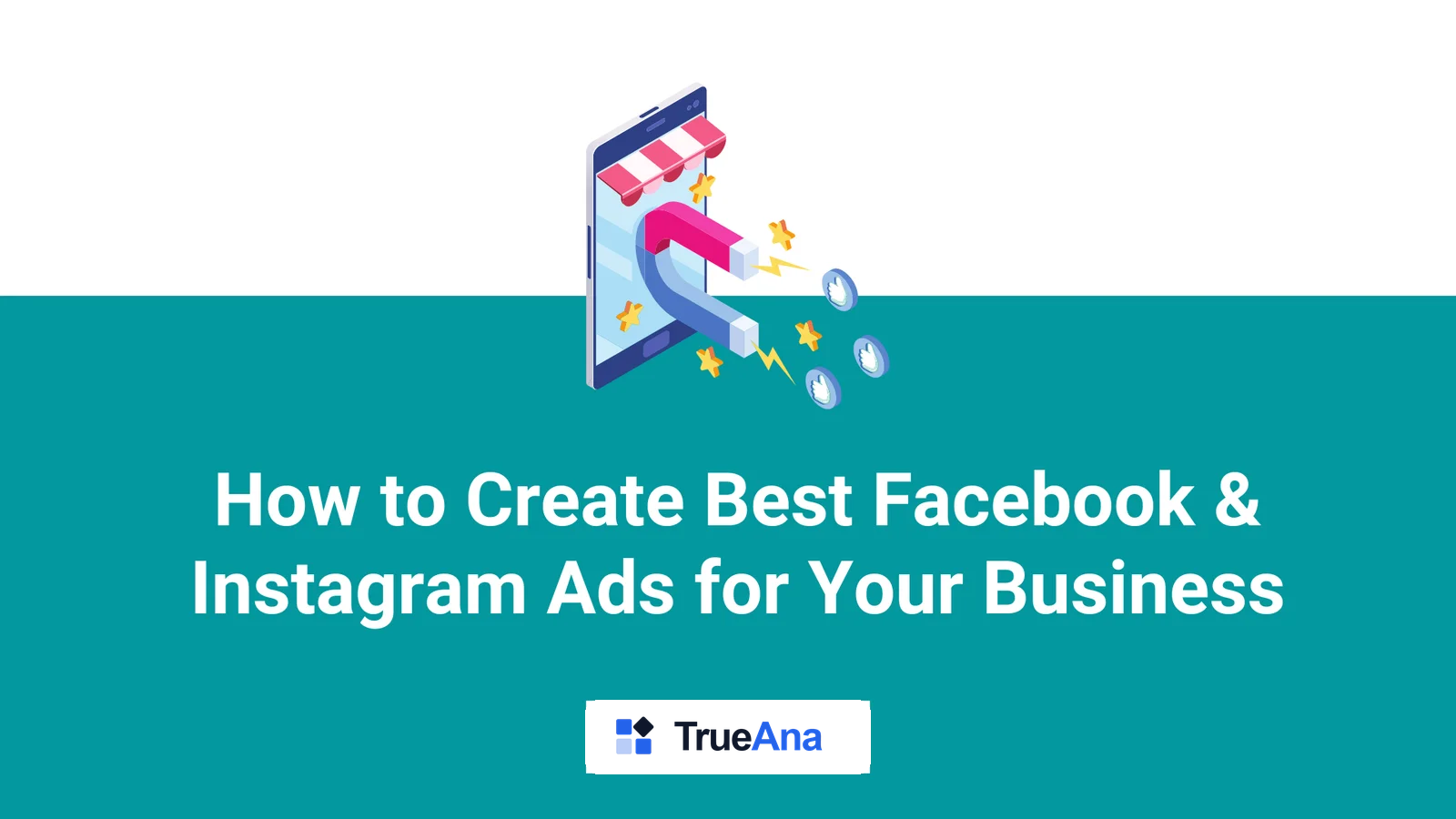
How to Create Best Facebook & Instagram Ads for Your Business

It’s no secret that businesses need to advertise if they want to succeed. With the rise of social media, many businesses have turned to platforms like Facebook and Instagram to reach their target audiences. But with so much competition on these platforms, simply posting random ads isn’t enough. You need to have an effective strategy […]

How to Create Best Facebook & Instagram Ads for Your Business

It’s no secret that businesses need to advertise if they want to succeed. With the rise of social media, many businesses have turned to platforms like Facebook and Instagram to reach their target audiences. But with so much competition on these platforms, simply posting random ads isn’t enough. You need to have an effective strategy that will help you generate best ads that will attract more customers and generate more sales.

Here are some tips to help you create best ads on Facebook and Instagram:

1. Know Your Audience

Before you start creating ads, take some time to research your target audience. Who are they? What do they like? What do they respond to? Knowing the answers to these questions will help you tailor your message to the right people.

2. Use Visuals

People love visuals. They grab attention faster than words, so make sure your ads are visually appealing. Find attractive images that will draw people in and make sure they are relevant to the topic of your ad.

3. Create Unique Headlines

Your headline should be catchy and stand out from other ads. Try using power words or phrases that will trigger a response from your audience. You also want to ensure that the headline is relevant to what you are selling.

4. Keep it Simple

When creating ads, keep your message focused and concise. Avoid too much clutter and don’t overcomplicate things. Make sure to get your point across in a few words so that it’s easy to understand.

5. Track Your Ads

Tracking is important when it comes to analyzing the performance of your ads. Make sure to implement tracking tools so you can monitor your ad’s performance and make adjustments if needed.

By following these tips, you will be able to create better ads on Facebook and Instagram that will help you reach more customers and increase sales. Good luck!

Follow us on Facebook, Instagram and Twitter for more helpful articles, reviews, and tips.
TrueAna Pro
47 custom dimensions, zero code
Enable every dimension in this guide from a single settings panel. Works with MemberPress, WooCommerce, Gravity Forms, and more.
Reading progress
0% complete · 2 min read
The GA4 dispatch — every Tuesday

One actionable tip for your WordPress analytics setup. Written by the TrueAna team based on real support questions, not SEO keyword lists.

all_inclusive One Plan, No Add-Ons

Why pay more for separate add-ons?

Other analytics plugins charge extra for every integration. TrueAna Pro includes everything in one plan — use whatever you need, whenever you need it.

insights Every GA4
Report
ads_click 6 Ad Platform
Pixels
shopping_cart WooCommerce &
Subscriptions
search Search Console
& Google Ads
stars Recommended
check_circleTrueAna Pro
  • addOne plan, every feature unlocked
  • addNo feature paywalls between tiers
  • addEvery integration included by default
VS
cancelTypical Plugins
  • removeSeparate paid add-on per integration
  • removeCore features locked behind upsells
  • removeExtra cost for eCommerce, forms, ads
workspace_premium See the Single Pro Plan
Every plan includes every feature — plans differ only by site count, never by what's unlocked
star 5.0 / 5 on WordPress.org shield 7-day money-back guarantee
celebration Launch Offer

30% off TrueAna Pro for the first 1,000 users

Lock in the launch discount on your first year of Pro — once 1,000 spots are claimed, this offer is gone for good.

local_fire_department 9 of 1,000 spots claimed
FIRST1000
Applied to your first year of any Pro plan
  • insightsEvery GA4 report inside WP Admin — no tab switching
  • shopping_cartFull WooCommerce & Subscriptions analytics (MRR, churn, LTV)
  • ads_clickGoogle Ads, Search Console & 6 ad platform pixels
  • mailScheduled email reports, delivered automatically
workspace_premium Claim My 30% Discount
7-day money-back guarantee · Discount applies to first year · Renews at regular price